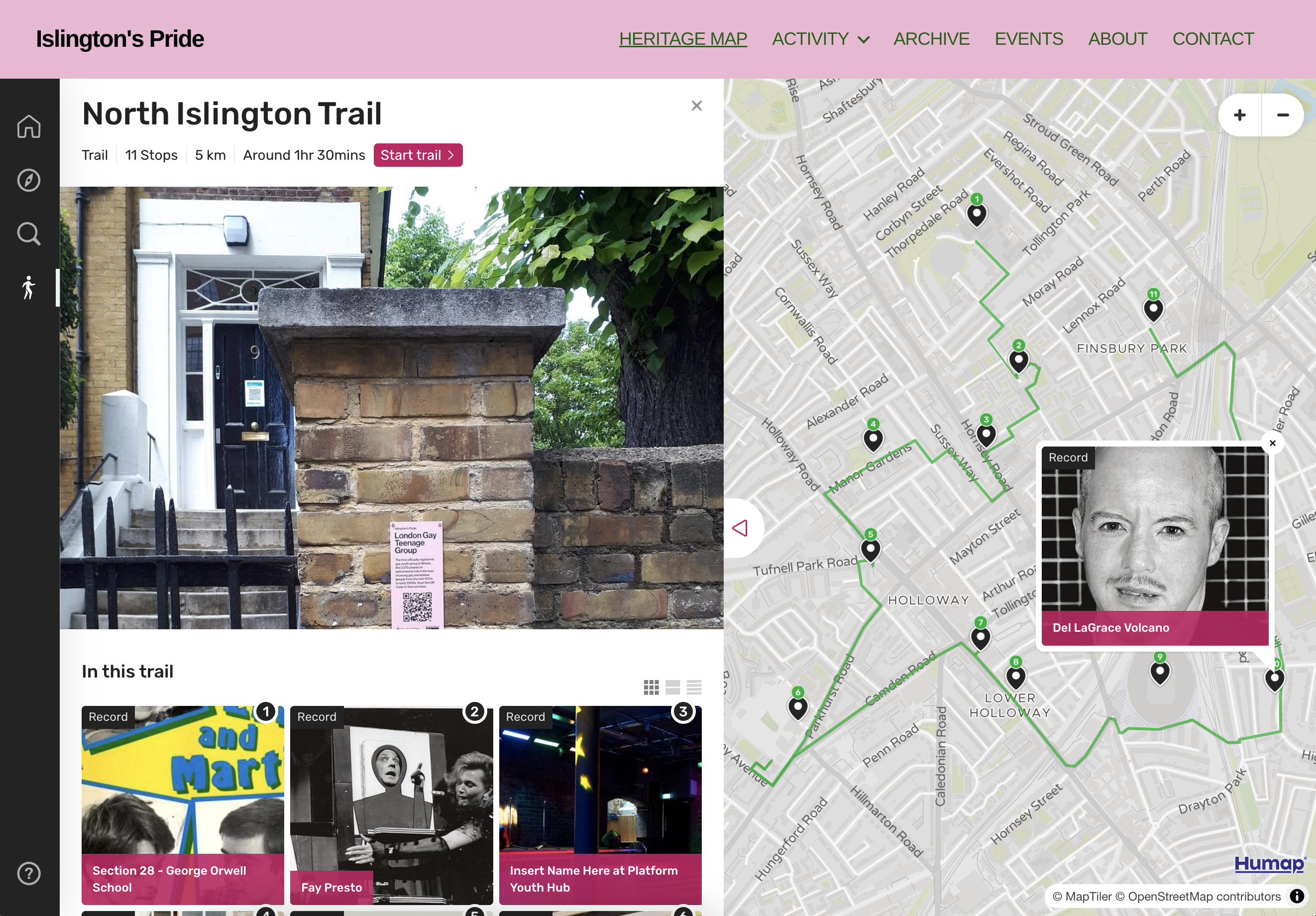
Reinforce core learning, employability, and interpersonal skills with a platform that’s fun to use and easy to adopt.
- Use case
Further Education
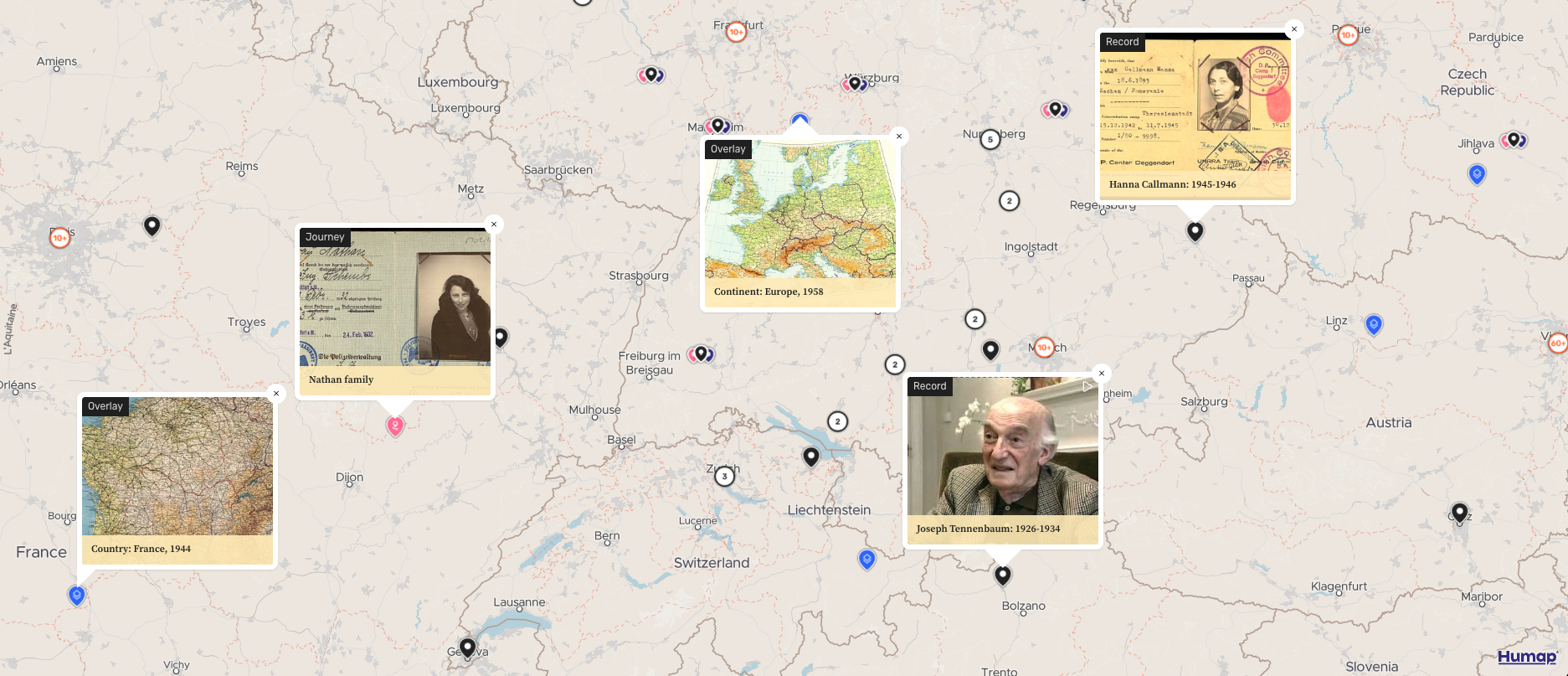
Reinforcing & learning core skills
Understanding information and communicating its value is what teaching and learning is all about. It’s also a vital skill for employers and interpersonal relationships.
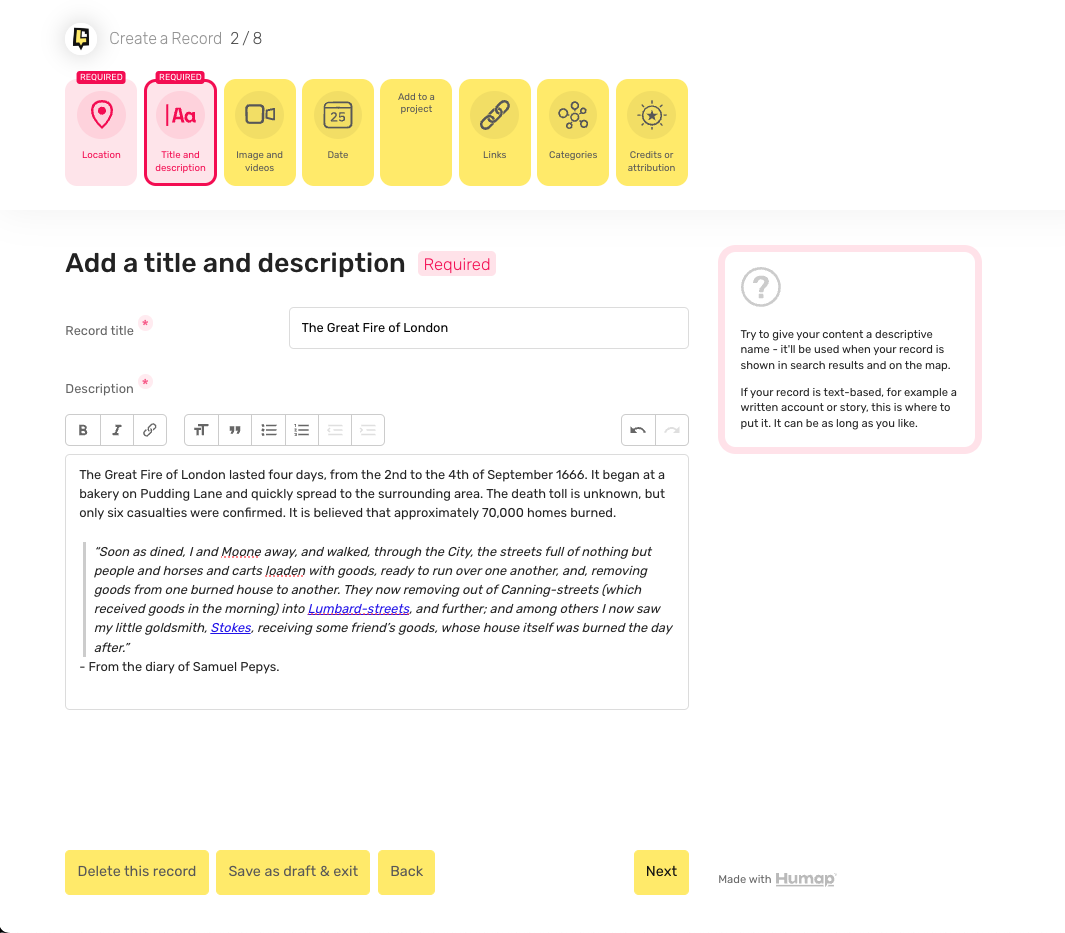
When you create something on Humap, you’re learning how to communicate information clearly, concisely, and effectively. You’re making choices about media use and data management, and curating an experience for the user.
Using digital tools, especially in collaboration with more traditional learning resources, nurtures technical problem solving and critical thinking.
Creating content on Humap also reinforces geographic awareness, and acts as a user-friendly introduction to more complicated geographic software without the barrier to entry.
Image credit: Facing The Past
AI-resilient education
When learners rely on AI to do their thinking for them, they lose critical thinking and comprehension skills.
On Humap, students learn a new digital structure and use it to collaborate on multimedia, versatile projects.
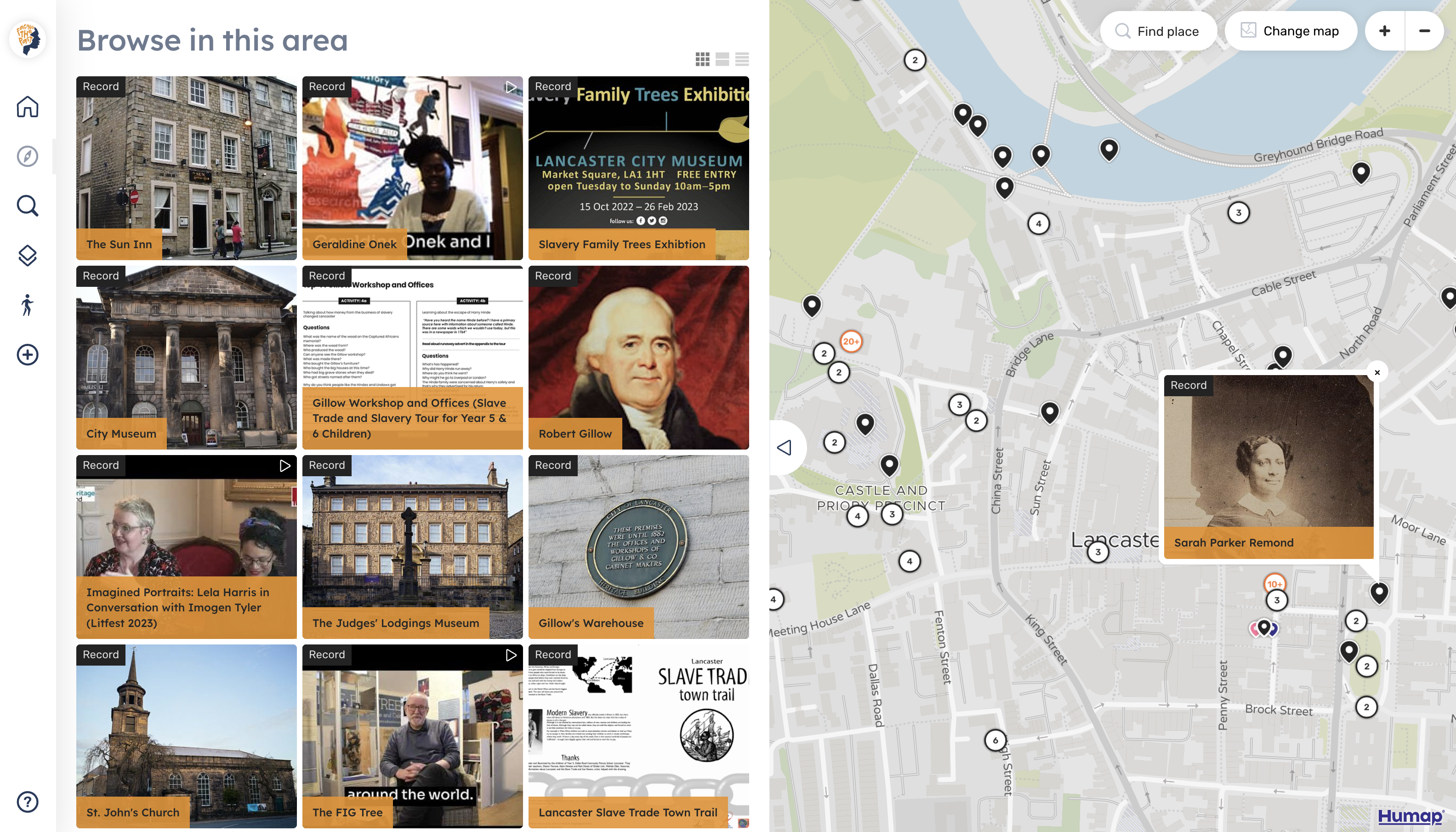
Their contributions are documented and can be moderated, and the use of different formats within Humap (timelines, trails etc) get them thinking deeply about what they are learning and how they can use it.
Learn more about Humap features
Image credit: Layers of London
For classroom & independent work
An internet device and a WiFi connection are all you need to use Humap, so learners can work together and individually easily on premises or at home.
For group projects, administrators can assign roles and create teams that let people work on learning outcomes together. Users can work together on a single project at times that suit their schedules.
Activity logs ensure that people are credited properly within their teams and make it easier to analyse participation.
Learn more about Humap for classroom & student projects
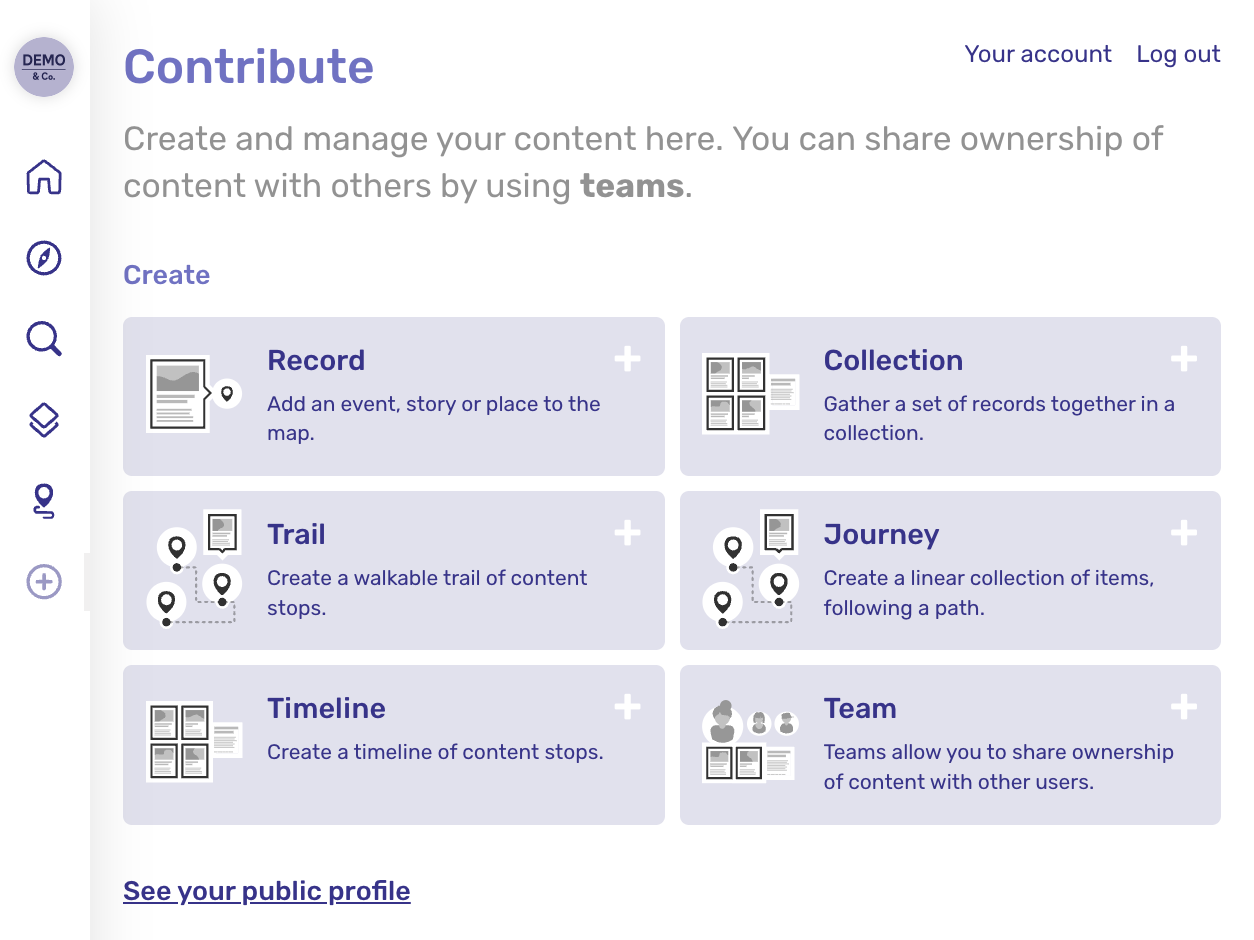
Flexible, safe, & easy to use
Humap doesn’t need any downloads, so it can be accessed easily from school computers and personal devices, including tablets and mobiles. We built it to run on anything, so it works fine on old or slow devices.
Moderation can be enabled, ensuring that only appropriate content can be published to the web.
Single Sign-On can also be enabled to handle student management.
Image credit:
Record: Alex and Anne Singer: 1919, Wiener Holocaust Library
Historical map: Continent: Europe, 1926 courtesy of the David Rumsey Map Collection
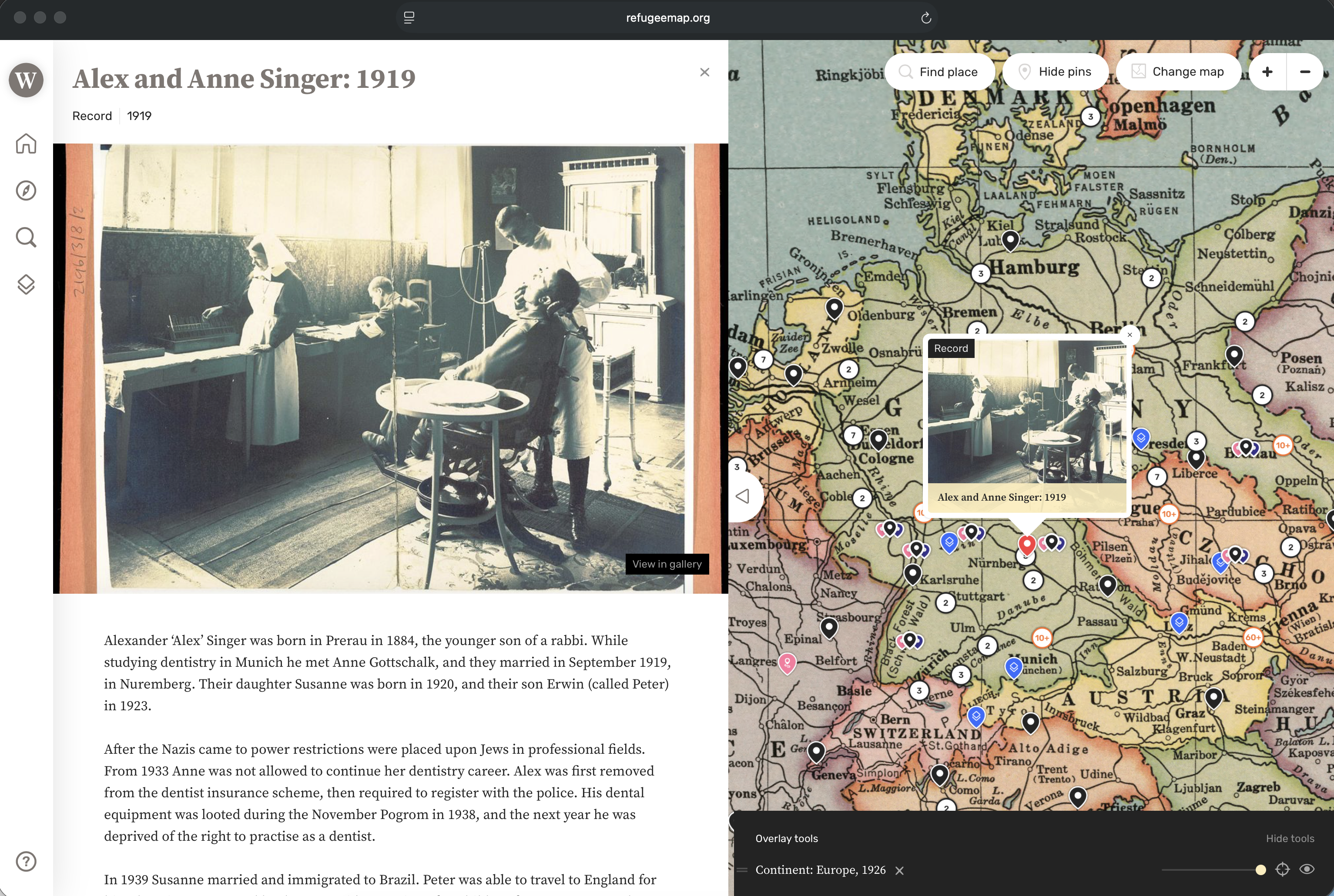
An alternative to essays and Powerpoint
Learners can present their Humap website easily to the class, in a format much more engaging than a one-off Powerpoint that won’t be opened again.
Presenting projects in this way reinforces skills like public speaking, and doing it via Humap also reinforces storytelling.
Students can also share work they are proud of more widely, as their project will live at a web address.
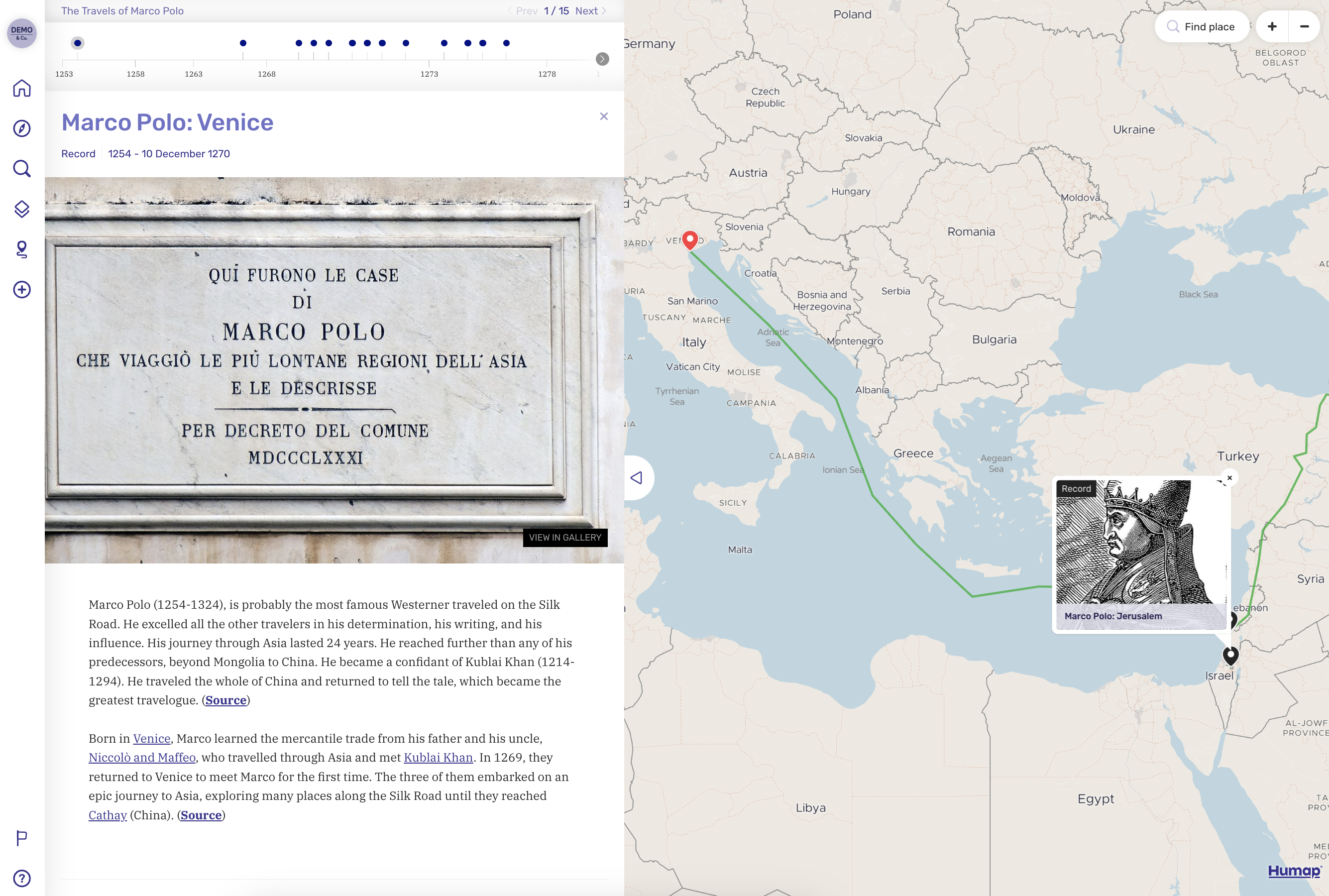
Connect locally
A lot of our clients use Humap to connect with their local community. History projects, local stories, places of business – all of these can be documented, found, and explored with Humap.
Your institution can connect with local educational organisations, like museums, as well as employers and service providers to foster a deeper relationship between your organisation, your learning community, and their local area.