
Managing the Contribute system
What is Contribute?
Contribute is our tool for team projects and crowdsourcing. It lets people create content on Humap without giving them access to the admin dashboard or the subscriptions panel.
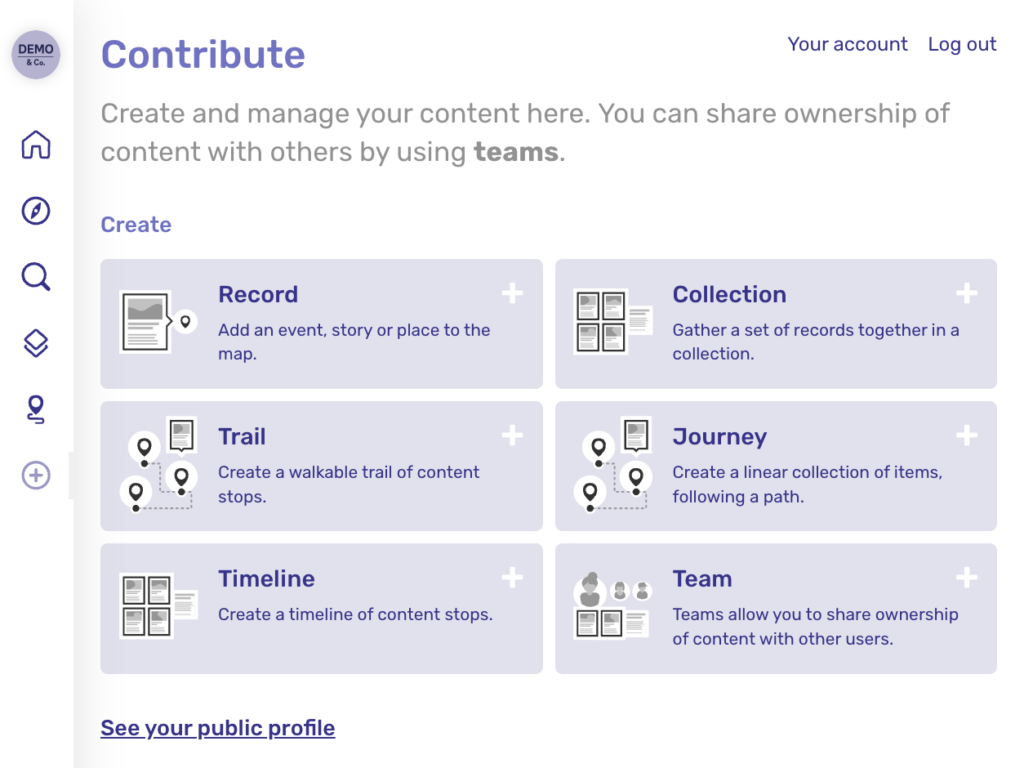
You can invite the entire world to take part, like Layers of London has done, or just grant permissions to a select few. To manage who has access to this feature, click Manage Features in the subscription panel and select Allow signups for it to be publicly available. You can manage users in the subscriptions platform, and we have more information on different user account types here.
Our optional content moderation feature requires all that content is approved by an admin level user before publishing.
Managing the Contribute System
- Log in to your Humap website.
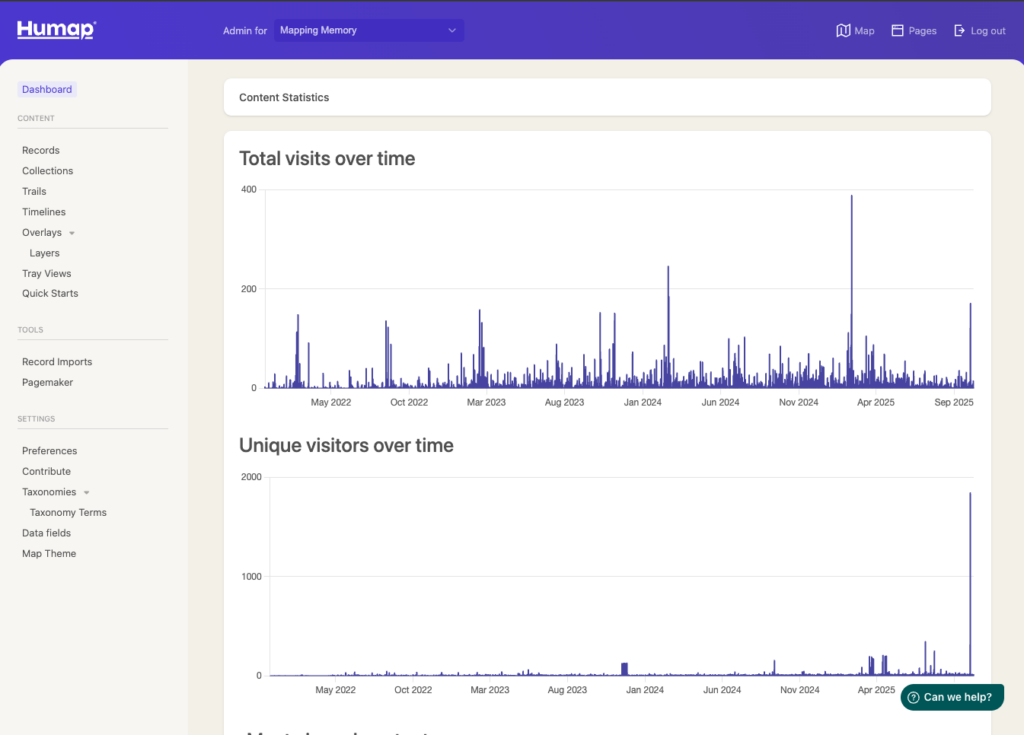
- Click Contribute in the menu on the left.
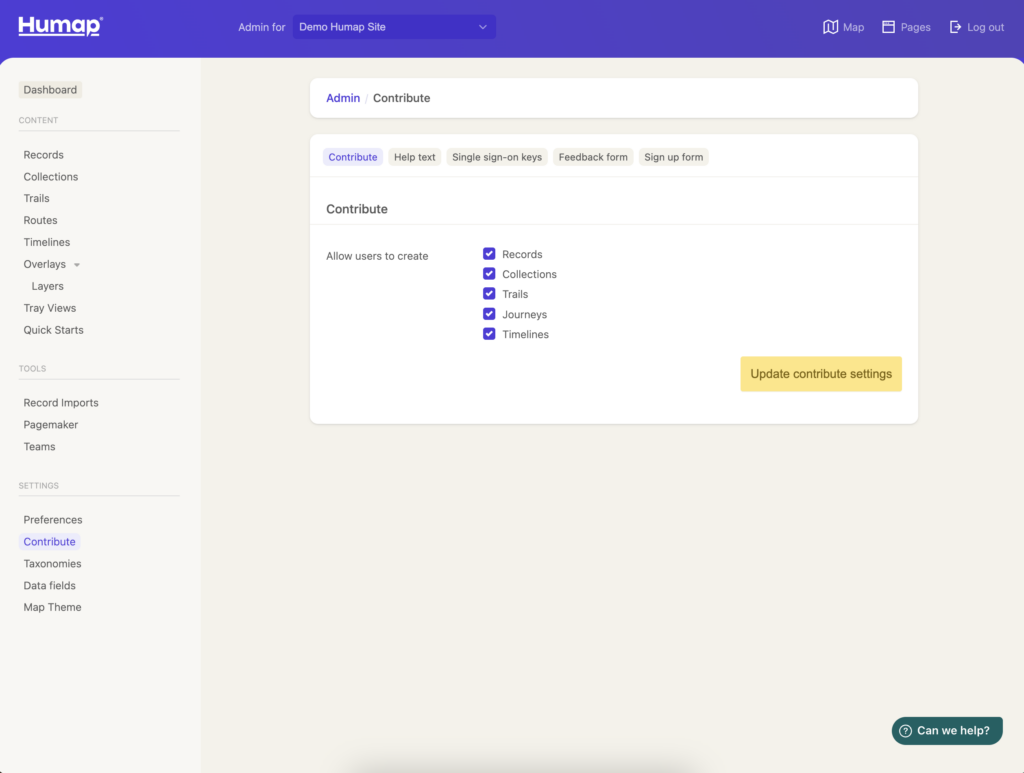
- Select the items you would like your users to be able to create. The options available will reflect which features you have enabled.
- Contribute users can create records, collections, trails, timelines, journeys, and teams.
Help text
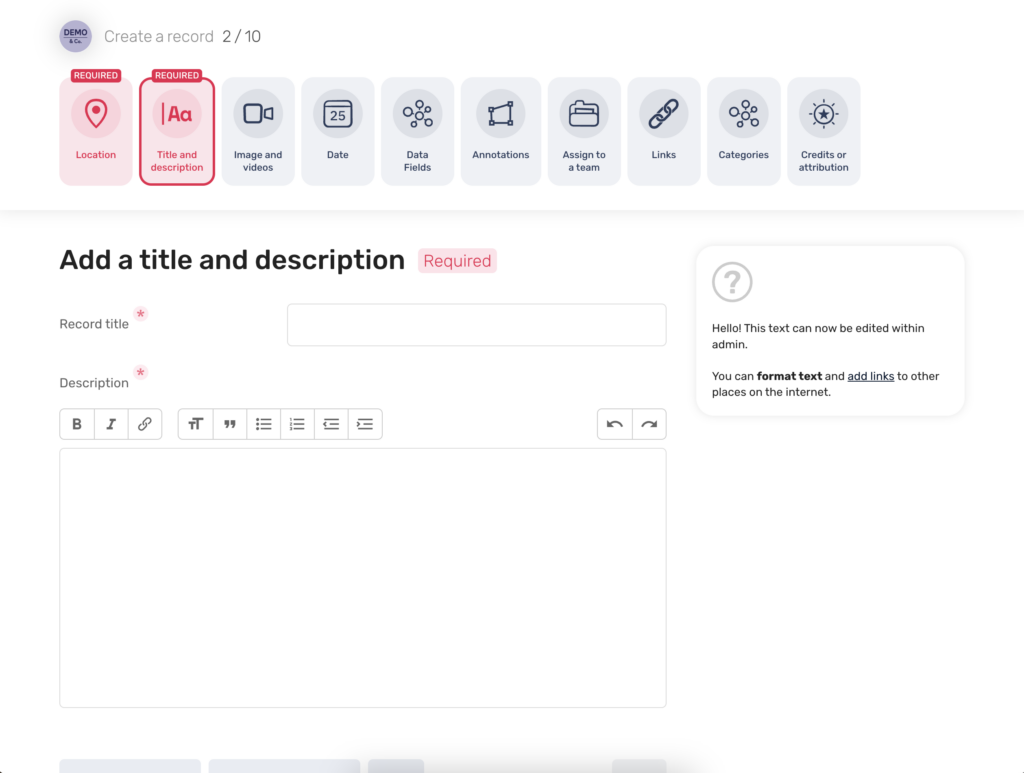
- To customise the help text, use the dropdown menu next to the page you would like to edit and select either none, default, or custom. Select custom.
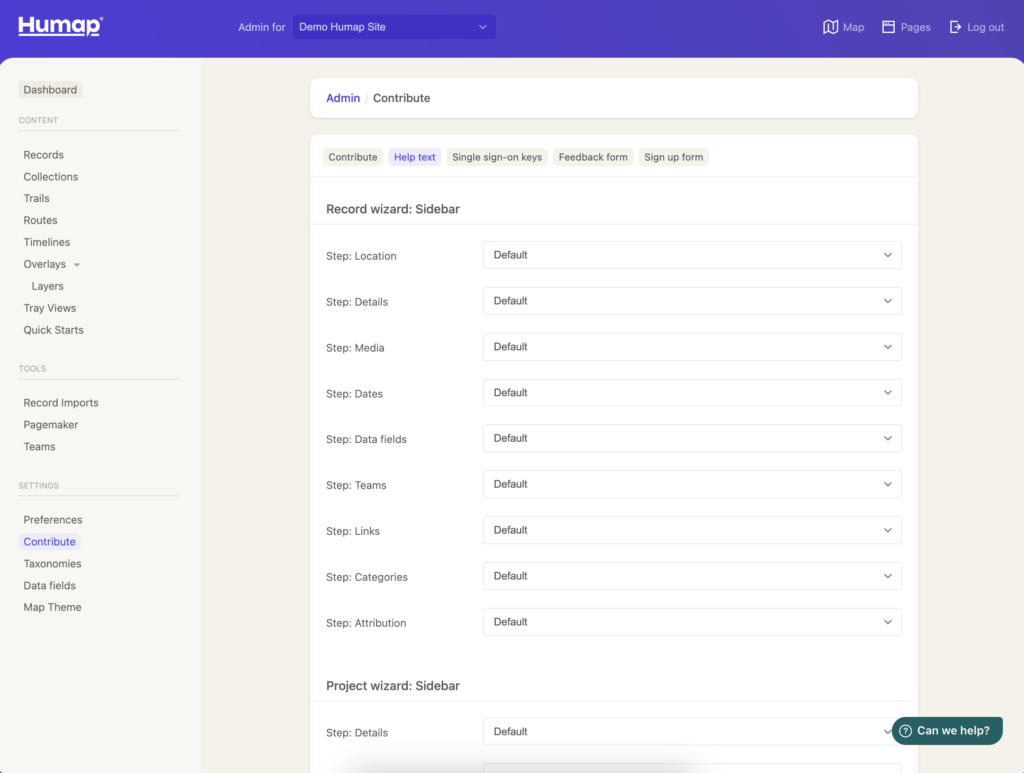
- You can then add and format text.
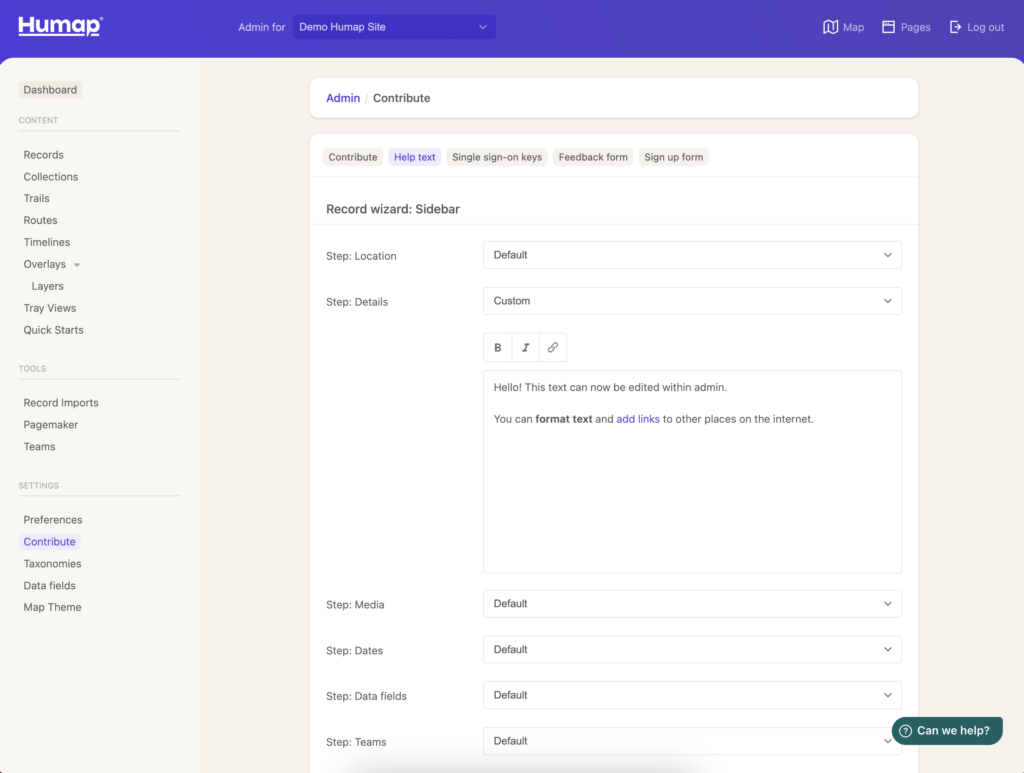
- To save, click update.
Single Sign-On Keys
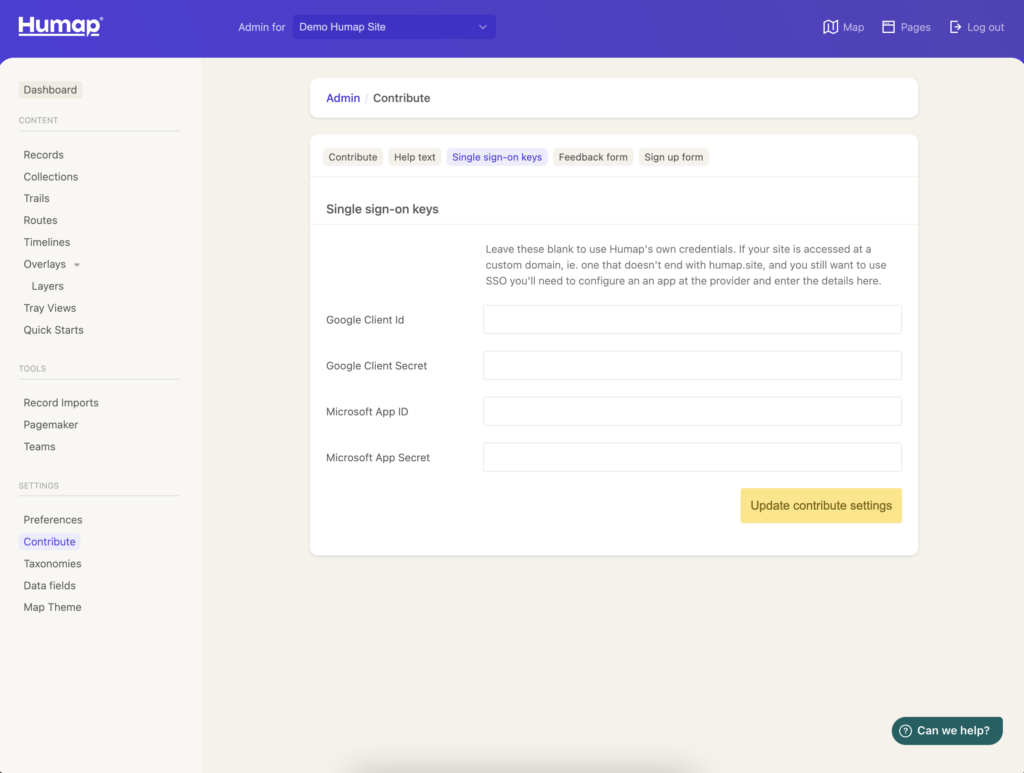
- Add your SSO key in here. If you’re not sure, email us at [email protected].
Feedback form
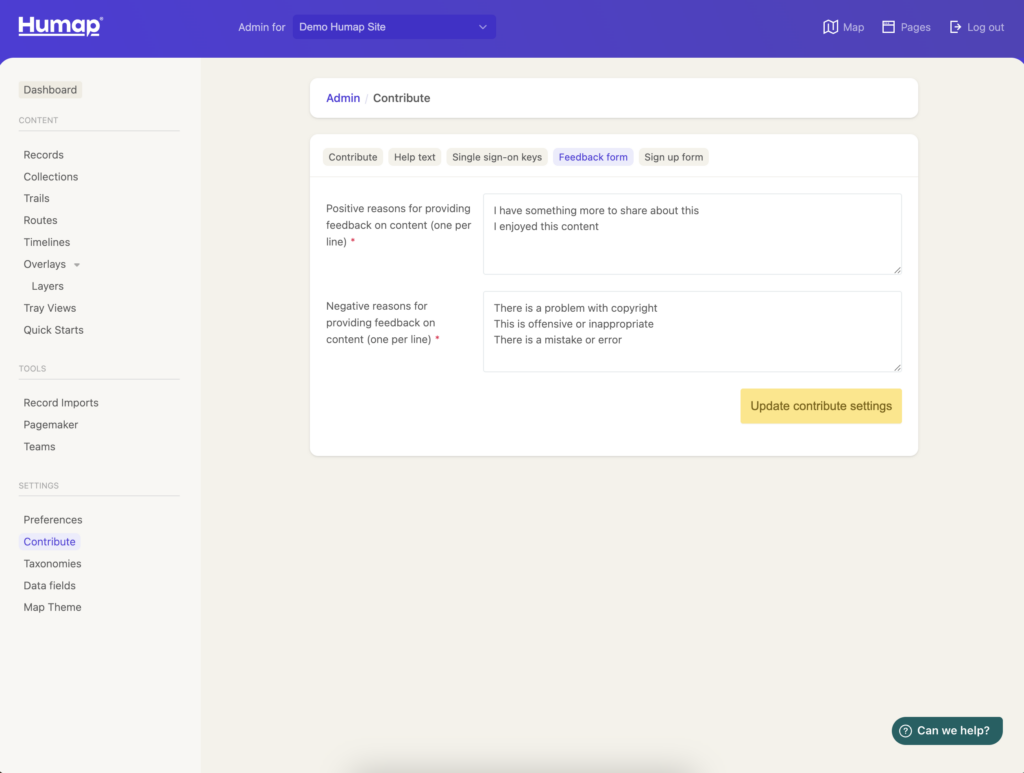
- Add negative options for the feedback form, one per line.
Sign up form
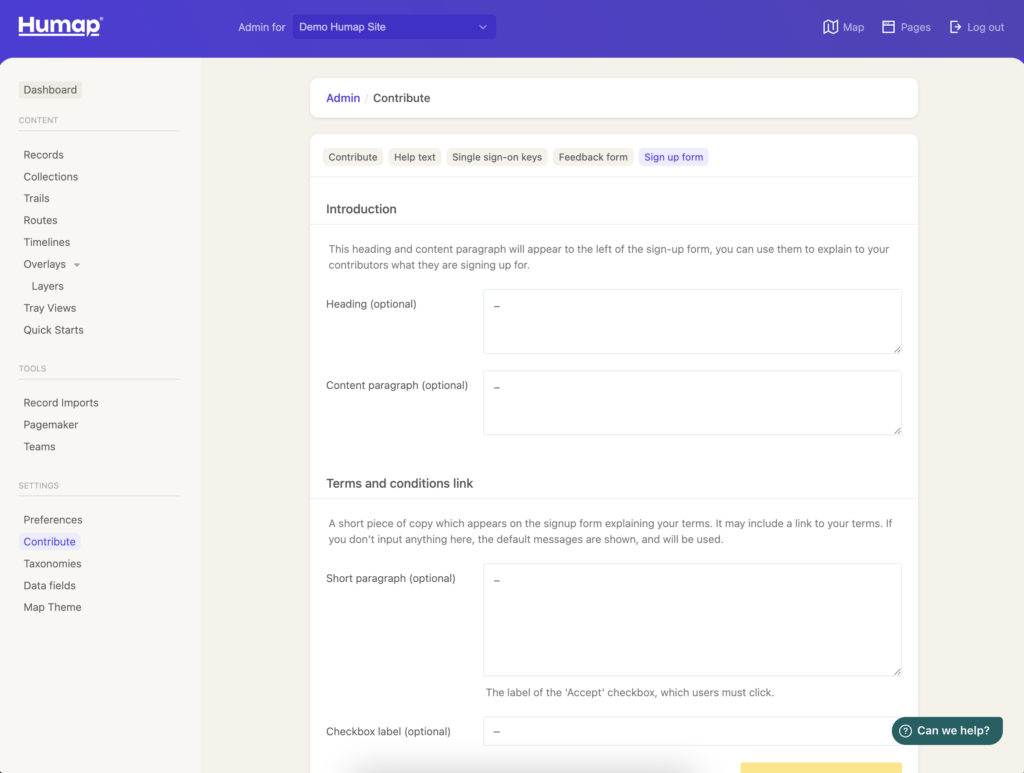
- Use these fields to add custom information, like terms and conditions